Know which GitHub Copilot model to use, before you waste a prompt on it.
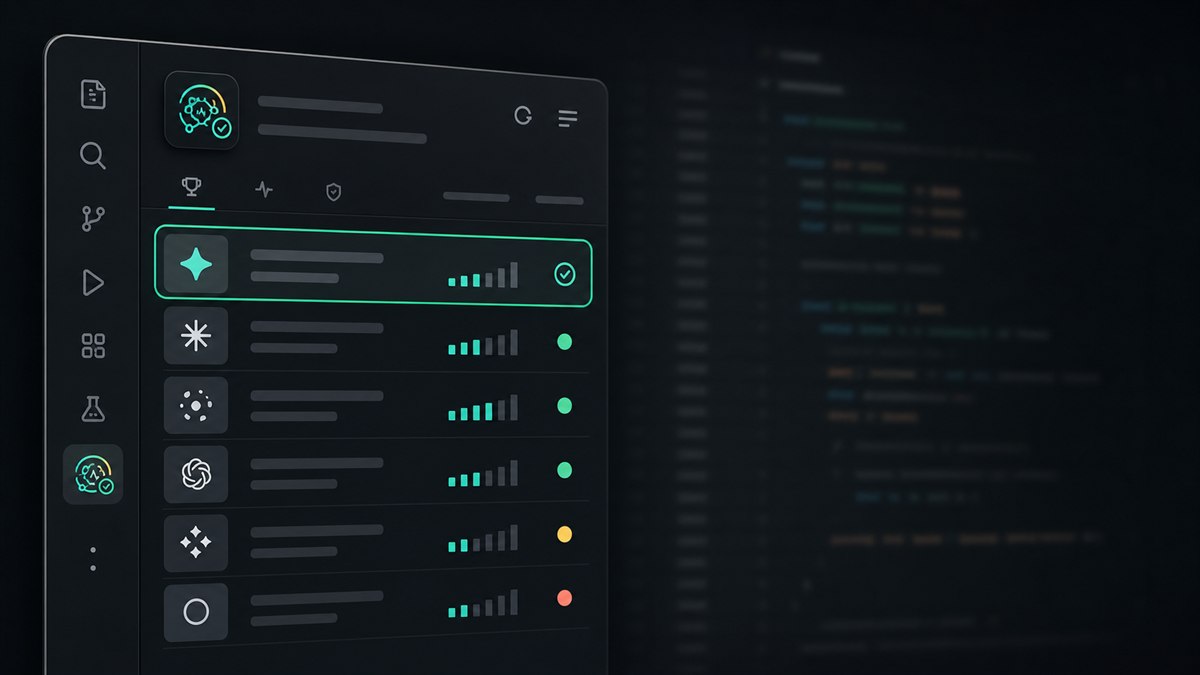
A model can be enabled for your account but slow right now — or its provider can be mid-outage. Model Advisor ranks your GitHub Copilot models by health, latency, and task fit, inside VS Code.
What it does
A compact instrument, not another dashboard
Open the sidebar, run a check, know which model to use. That's the whole loop — recommendation first, details second.
Token-free health checks
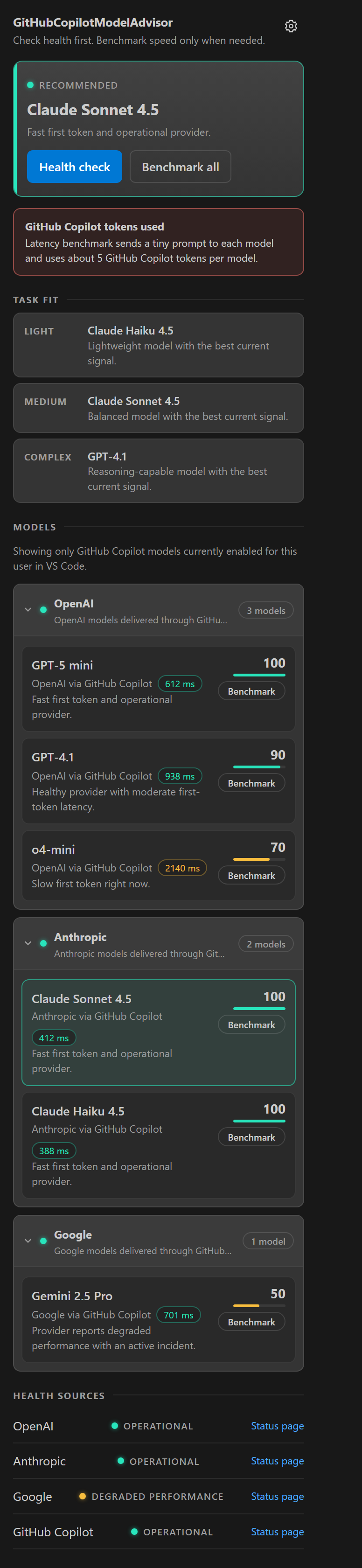
The default check never sends a prompt to any model. It reads public status feeds from OpenAI, Anthropic, Google, Moonshot AI, and GitHub, then scores every GitHub Copilot model enabled for your account — including Kimi, Microsoft MAI, and xAI Grok models.
Explicit latency benchmarks
When speed matters, benchmark one model or all of them. It measures time to first token, saves recent history, and shows cache age, trend, and median latency.
One score, honest penalties
Every model starts at 100 and loses points for slow first tokens, stale cached latency, degraded providers, and active incidents. Confidence labels make uncertainty visible.
Light · medium · complex picks
Separate suggestions for quick edits, everyday coding, and deep reasoning — built only from the models your account can actually use.
Status bar summary
A compact, clickable summary stays in the status bar while you work, with full diagnostics in the output channel when you want them.
How it works
Built on the official VS Code model API
Models are discovered with vscode.lm.selectChatModels({ vendor: "copilot" }), so the list always matches what your account, organization, and session actually allow.
Detect
Lists your enabled GitHub Copilot models, groups them by inferred provider, and collapses duplicate aliases.
Check health
Reads public status pages for each provider plus the GitHub Copilot service — no prompts, no tokens.
Benchmark (optional)
Measures time to first token and cancels the stream on the first chunk. Cached benchmark results are shared across your VS Code workspaces and marked stale after your configured TTL.
Recommend
Combines latency, provider health, and incidents into a ranked list, with the best current option on top.
hi by default), and it always shows a confirmation with exactly which models will receive it. If cached latency exists, you can reuse it instead, or disable Benchmark All entirely.
Signals
Where the health data comes from
All sources are public status feeds — nothing private leaves your editor.
| Signal | Source |
|---|---|
| OpenAI | status.openai.com |
| Anthropic | status.claude.com |
| status.cloud.google.com | |
| Moonshot AI (Kimi) | status.moonshot.cn |
| Microsoft (MAI) | githubstatus.com — no dedicated public feed, tracked via its delivery route |
| xAI (Grok) | githubstatus.com — no machine-readable feed, tracked via its delivery route |
| GitHub Copilot service | githubstatus.com |
Get started
Up and running in under a minute
Install GitHub Copilot Chat, sign in to GitHub, then add Model Advisor. Open the sidebar icon and click Health check for an instant, token-free signal.